

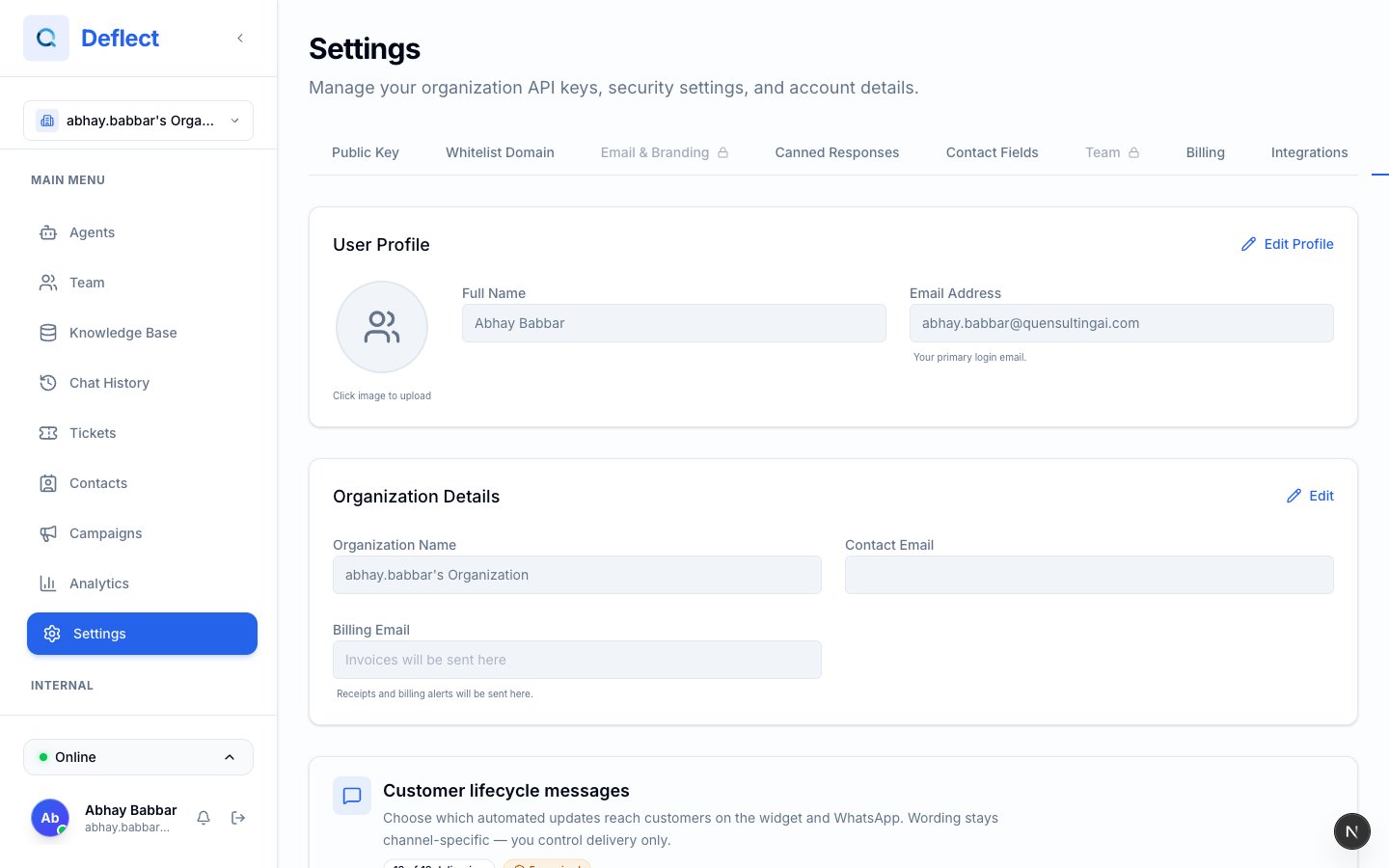
Settings overview — tabs along the top or side depending on your screen size.
Profile
Update your personal account details:- Full Name — How your name appears to teammates and in live chat.
- Profile Picture — Avatar shown in team presence and live chat.
Organization
Organization-level settings (typically managed by an Admin):- Organization Name — Displayed across the dashboard.
- Contact Email — Primary email for account communications.
- Billing Email — Optional separate address for invoices and billing notifications.
Billing & Plans
Open Settings → Billing to see your current plan, usage, and upgrade options.Understanding your usage
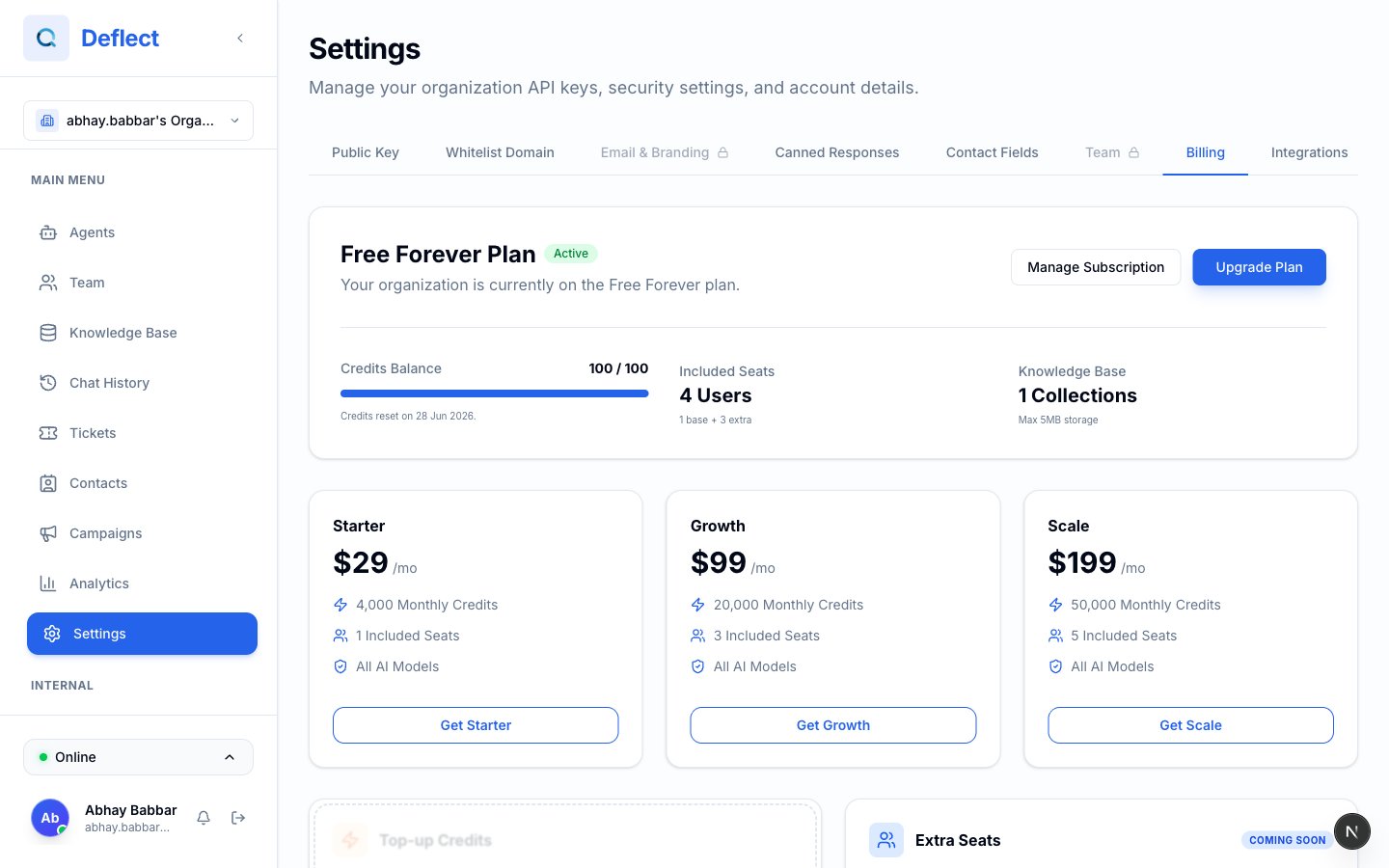
Billing tab — plan name, credit balance, usage bars, and upgrade cards.
Plans at a glance
Exact prices and feature limits are shown in the dashboard when you compare plans. Limits can include knowledge bases, web crawl pages, WhatsApp numbers, and more.
Free plan
On the Free plan you receive 100 AI credits every 30 days. Credits refresh automatically — you do not need to purchase a subscription for this allowance.Upgrading or changing plans
- Go to Settings → Billing.
- Compare the plan cards (Starter, Growth, Scale).
- Click Upgrade (or Get [plan name] if you are on Free).
- Complete checkout in the secure payment window.
Managing your subscription
Click Manage Subscription to open the billing portal where you can:- Update your payment method.
- View invoices and payment history.
- Cancel or change your subscription.
Top-up credits (paid plans)
Need more AI capacity before your next renewal? Paid plans can buy one-time top-up packs:
How top-ups work:
- Your monthly plan credits are used first.
- When monthly credits run out, top-up credits are used automatically.
- Top-ups do not expire while you remain on a paid plan.
- If you downgrade to Free, top-ups are locked until you upgrade again.
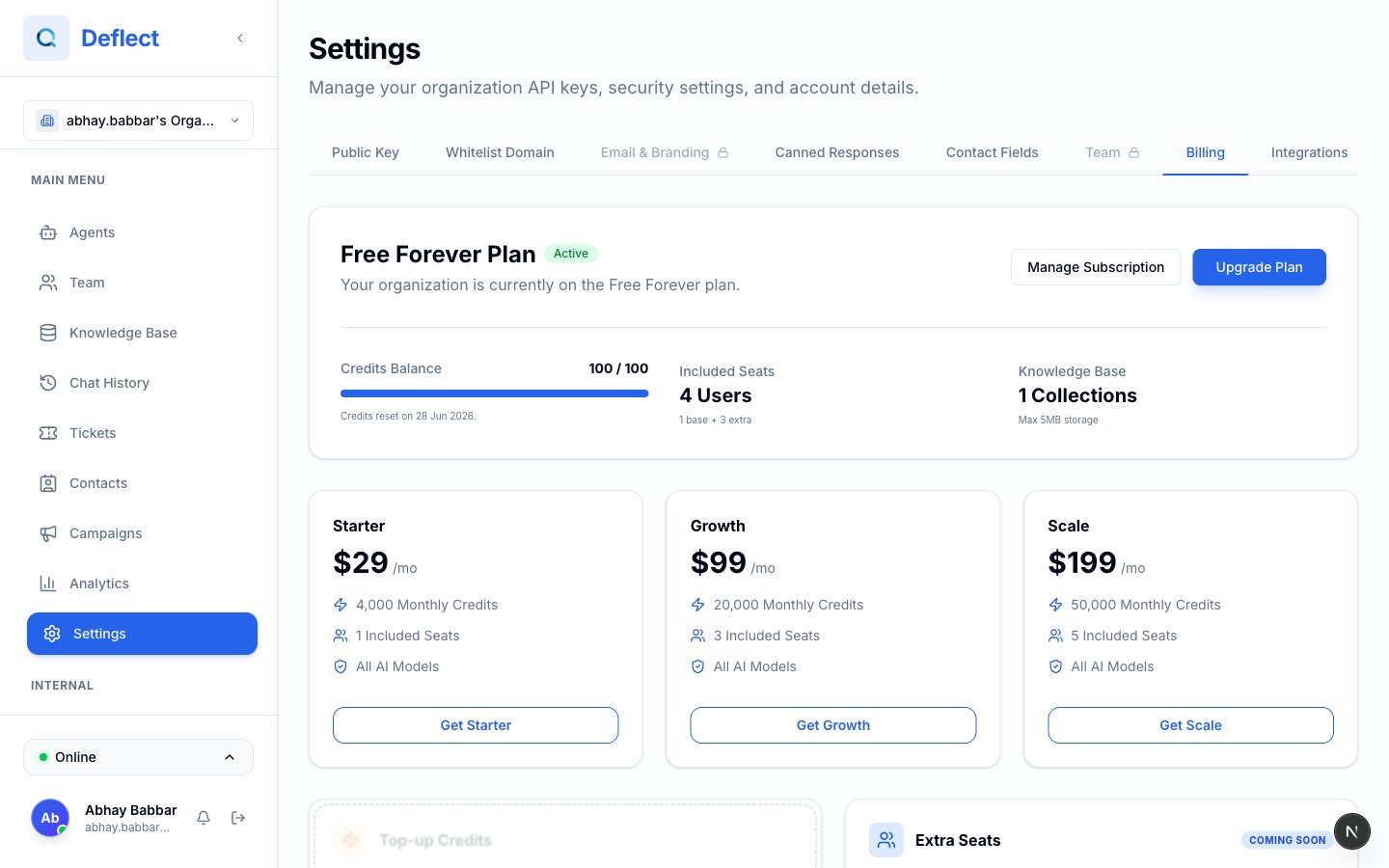
Top-up credits section on the Billing tab (visible on paid plans).
Email top-ups (paid plans)
If you send a lot of email (campaigns, notifications, ticket replies), you can buy extra email sends from the same Billing tab. Monthly plan emails are used first; email top-ups cover overflow.Extra seats
Additional team seats beyond what your plan includes are coming soon. For now, contact support@quensultingai.com if you need more seats than your plan provides.Customer lifecycle messages
Under Settings → General (or the section labeled Customer lifecycle messages), admins can choose which automated status updates customers see — for example when a chat is handed off, resolved, or reopened.- Turn the master switch on or off for optional messages.
- Toggle individual message types. Some required messages cannot be disabled.
- Wording is tailored per channel (web widget vs. WhatsApp); you control whether each message is delivered.
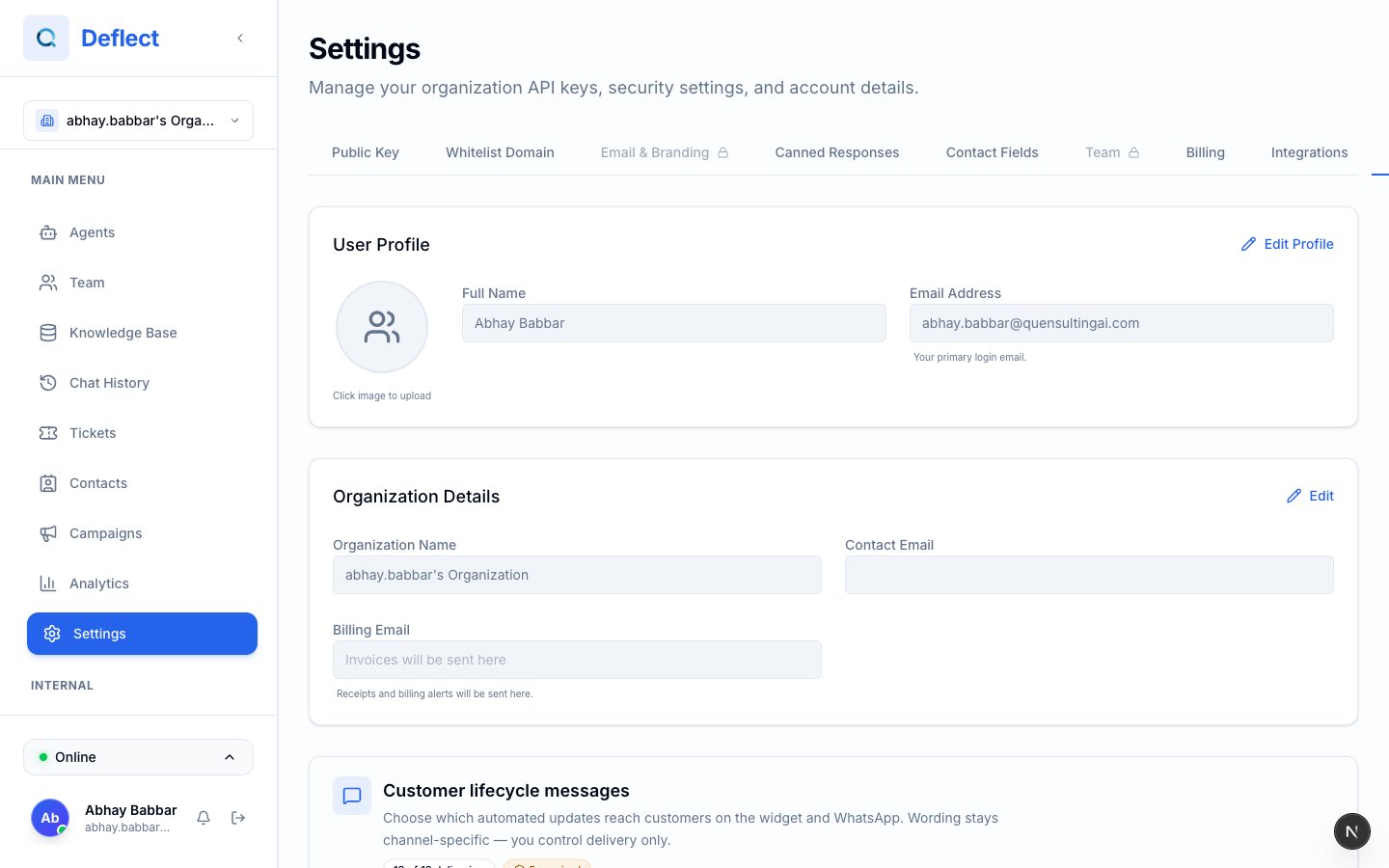
Customer lifecycle messages — list of toggles grouped by category.