

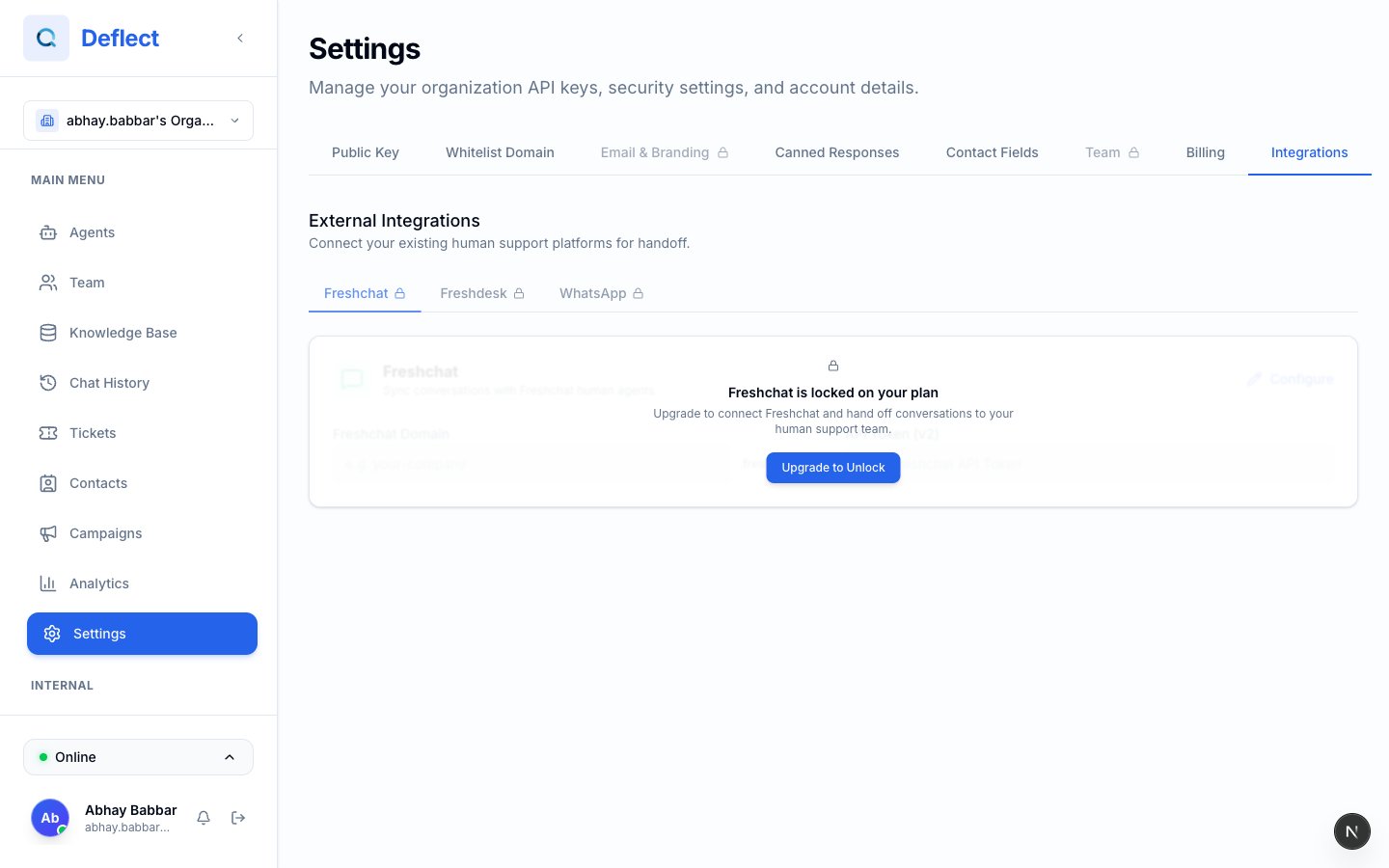
Integrations hub — tabs for WhatsApp, Plivo, Freshdesk, FreshChat.
WhatsApp Business
Connect WhatsApp so customers can message your AI agents on their phones. Deflect supports:- Meta Cloud API — connect with Meta Business credentials
- Plivo — connect with Plivo Auth ID and token
- Template sync — pull approved WhatsApp templates for outbound messages
- Test sends — verify setup before go-live
- Multi-bubble replies — optional natural split into short messages
Full WhatsApp setup guide
Step-by-step for Meta and Plivo, agent linking, templates, and troubleshooting.
FreshChat
Route human handoffs to your existing FreshChat workspace instead of Deflect live chat.1
Get FreshChat credentials
From FreshChat → Settings → API Tokens, copy your API token. Note your FreshChat domain (e.g.
yourcompany.freshchat.com).2
Add to Deflect
Settings → Integrations → FreshChat — enter token, domain, and optional channel ID. Save.
3
Enable on an agent
Agent editor → Handoff → enable FreshChat. Handoffs on that agent route to FreshChat.
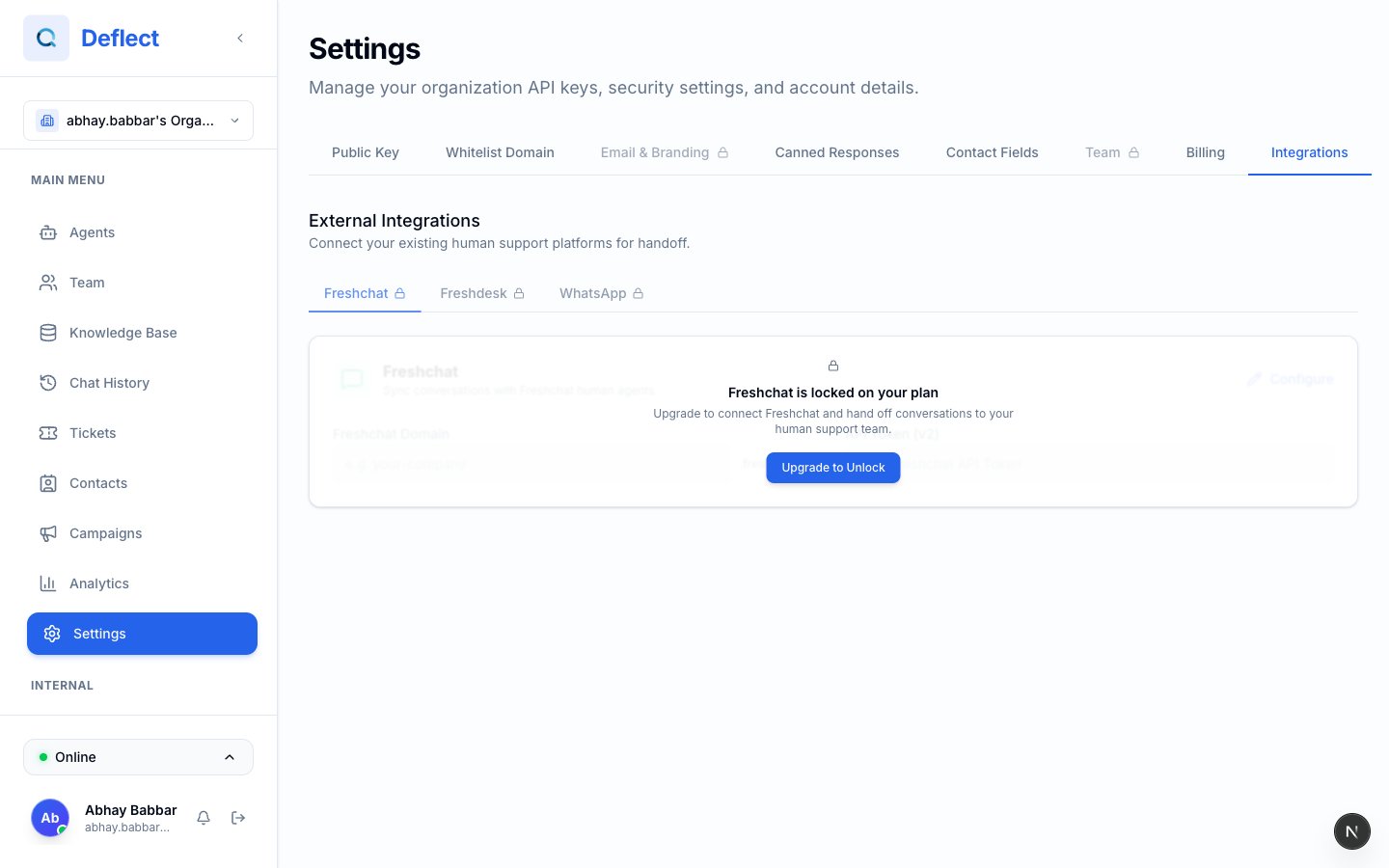
FreshChat integration fields in Settings.
Freshdesk
Sync handoffs and tickets with Freshdesk so your helpdesk team stays in one place.1
Add credentials
Settings → Integrations → Freshdesk — enter the credentials shown in the dashboard (API key, domain, and any webhook secret fields).
2
Enable per agent
Agent editor → Handoff (or integrations section) → enable Freshdesk for agents that should create or update Freshdesk tickets.
3
Test in staging
Use a test Freshdesk project first so ticket fields and subjects match your workflow.
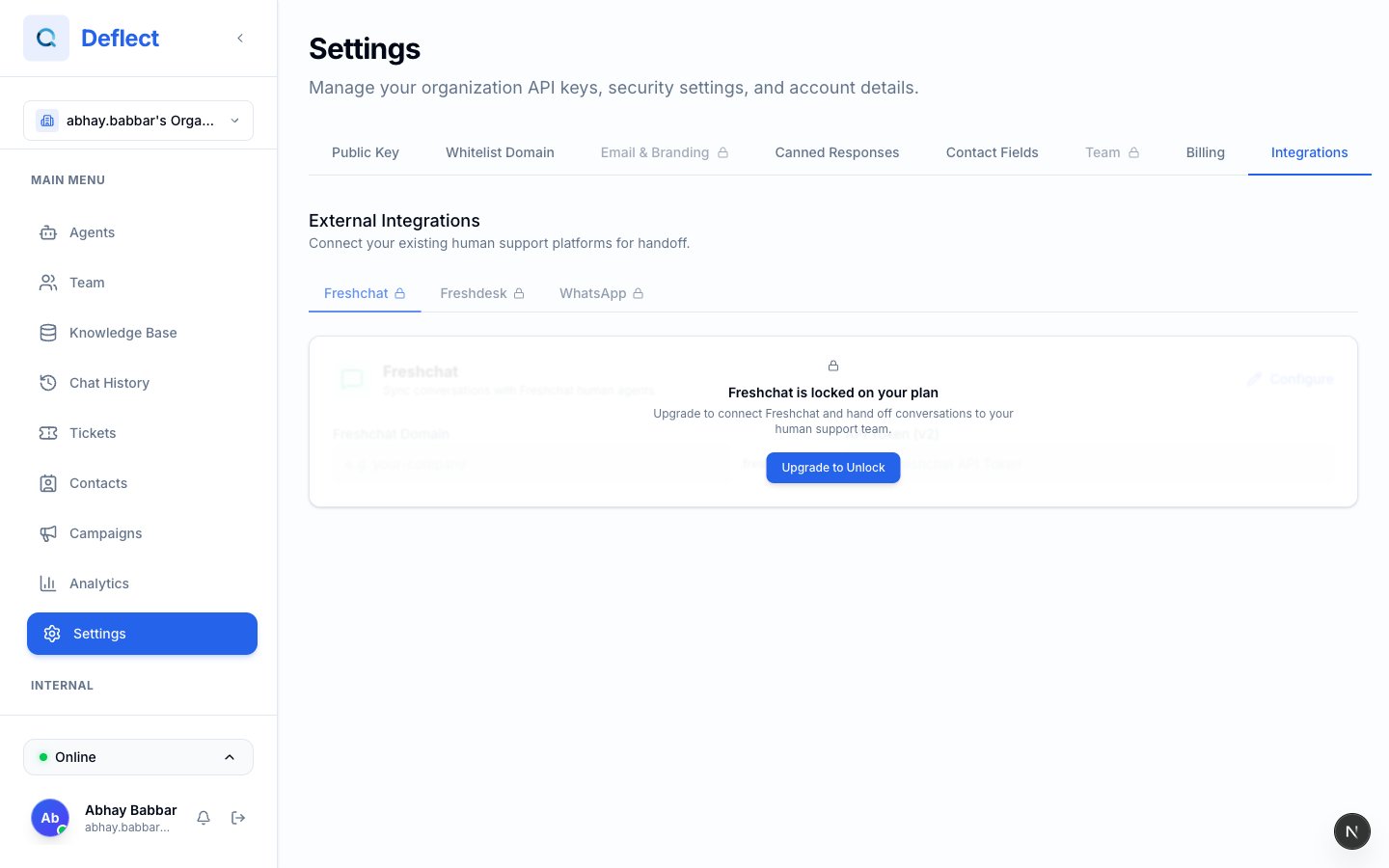
Freshdesk integration fields and agent-level toggle.